Passport size photo background change HD quality
Change the backdrop and export JPG or PNG at the pixel dimensions needed for a 300 PPI print. A 2x2 inch photo is 600x600 pixels at that resolution; a sharp original still matters more than an HD label.
51 x 51 mm, head 25–35 mm, white background
Drag & drop your selfie
JPG or PNG — processed securely, never stored
demo-photo-1.jpg
Live preview demo photo
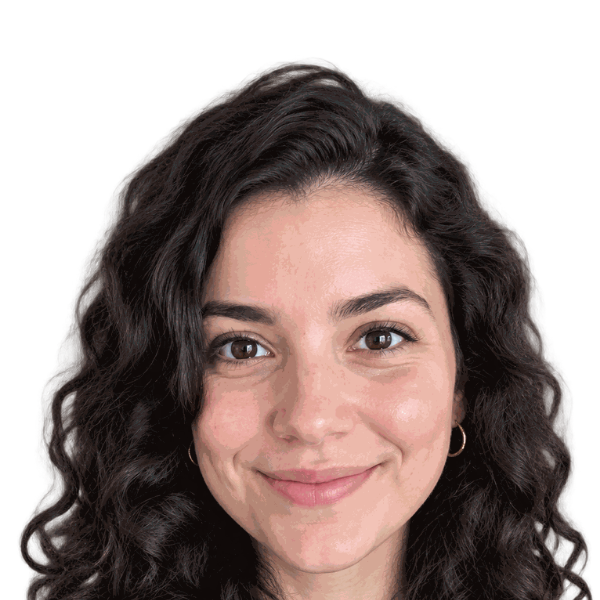
- Subject positioned in the preview
- Selected plain background applied
- AI outfit editing included; check document rules
- Cropped to the selected dimensions
- Review lighting, shadows, and hair edges
Free ZIP: white + light-blue backgrounds, PNG + JPG, 300 DPI print quality. No sign-up, no watermark.
Pro extras
Print-quality 300 DPI files, every country size, and priority processing.
Sign in & unlock — 10 photos for $7JPG passport size photo background change
The basic ZIP includes JPG and PNG for white and light blue, plus a selected extra shade when different. Use JPG when your application requires it. PNG preserves lossless image data but is not accepted by every upload form.
Extract the ZIP before uploading an individual image. Do not upload the ZIP itself unless the application specifically asks for an archive.
Print dimensions at 300 DPI
DPI describes printer dots; PPI describes image pixels per inch. The export uses pixel dimensions calculated for 300 PPI. Canvas image files may carry a different default resolution tag, so explicitly set the intended physical print size rather than relying on metadata.
A higher pixel count does not repair blur or guarantee acceptance. Do not stretch a low-resolution face and assume it has gained real detail.
| Print size | Pixels at 300 PPI | Check |
|---|---|---|
| 2x2 inches | 600x600 pixels | Print at exactly 2x2 inches; check head size too. |
| 35x45 mm | 413x531 pixels, rounded | Confirm the document actually requires this format. |
| 4x6 inch sheet | Print layout, not one passport-size photo | Printable sheet is a paid export; print at actual size. |
Digital photo upload size tips
- Read the application’s required file format, pixel range, and maximum file size. Print dimensions alone are not digital-upload rules.
- Choose JPG or PNG as requested. Check the extracted image’s dimensions and file size before uploading.
- If a file is too large, use a copy and reduce it only within the permitted pixel and compression limits. Keep the sharp full-size original.
- Inspect the final file at actual size for compression artifacts and face clarity. Check the official rules for your country.
Keep the face sharp
Start with the camera’s original image, not a screenshot or a compressed chat attachment. Clean the lens, hold the camera steady at eye level, and use even lighting.
Background replacement and high-quality export cannot reliably recover a blurred face. AI can change appearance, so inspect the result and use an original, unedited photo for US passports.
Check your document requirements
Check the official rules for your country before submission. Read our US passport photo requirements, UK passport photo guide, and visa photo guidance for related sizes and background information.
HD JPG and PNG exports FAQ
- Is passport size photo background change JPG supported?
- Yes. The basic ZIP includes JPG and PNG versions. Extract the JPG before using a form that requires JPEG.
- Is 2x2 inches 600x600 pixels?
- At 300 pixels per inch, yes: 2 multiplied by 300 gives 600 pixels on each side. Other upload rules may require different pixel dimensions.
- Does the image file always say 300 DPI?
- Not necessarily. The tool calculates pixels for a 300 PPI print, but browser canvas exports can use default resolution metadata. Set the correct physical size when printing.
- Is the printable 4x6 sheet free?
- No. Basic individual JPG/PNG images are free. Printable sheet layouts and other premium exports are paid options.
- Can HD export fix a blurry photo?
- No guarantee. More pixels do not restore real detail from blur. Retake a sharp, well-lit original instead.
- Will an edited background be accepted?
- Acceptance is not guaranteed. The US Department of State asks for an original, unedited photo and says not to change it with software, filters, or AI. Take a new photo against a real white or off-white background for a US passport. Other documents have their own rules.